Complete Examples
Check out complete configuration examples of custom tools frequently used in real-life scenarios.
Get Current Time
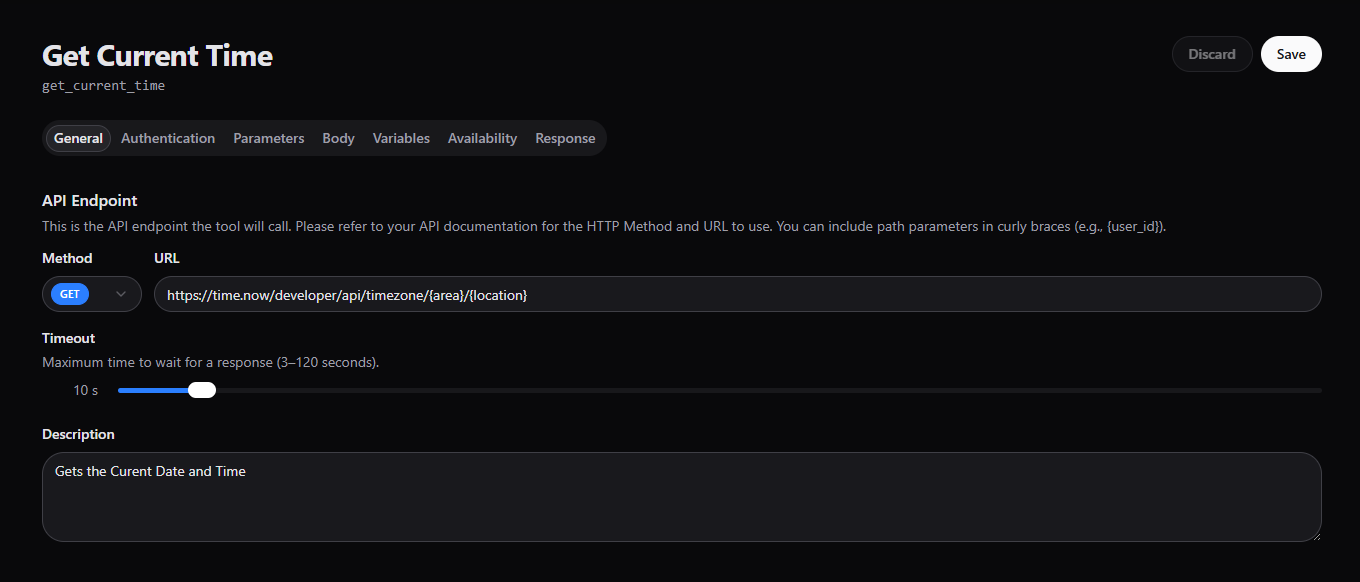
The tool allows the Agent to retrieve the current date & time during a conversation.
This is helpful when the Agent needs accurate, real-time information, such as:
- Scheduling appointments
- Confirming business hours
- Providing time-based responses (e.g., “today”, “tomorrow”, “in 2 hours”)
- Logging or timestamping actions
For more information about the API endpoint please refer to https://time.now/developer#get-time-zone
Note the usage of path parameters in curly braces.
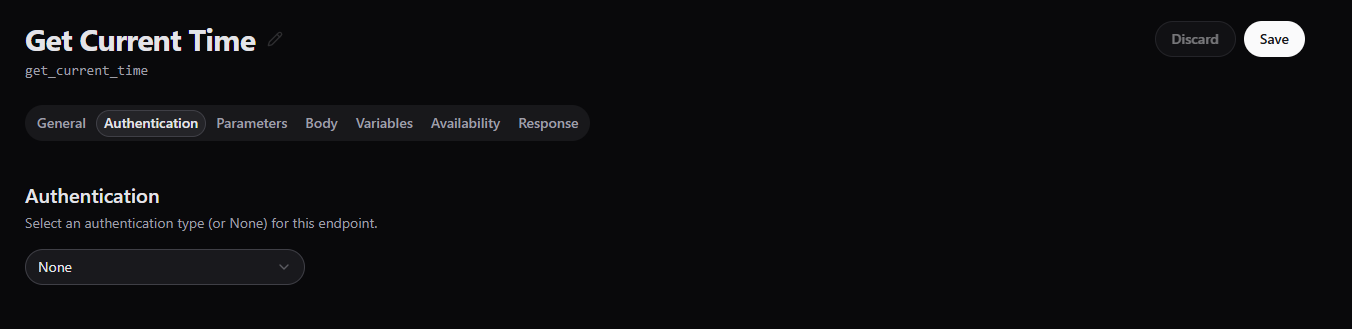
This API does not require authentication.
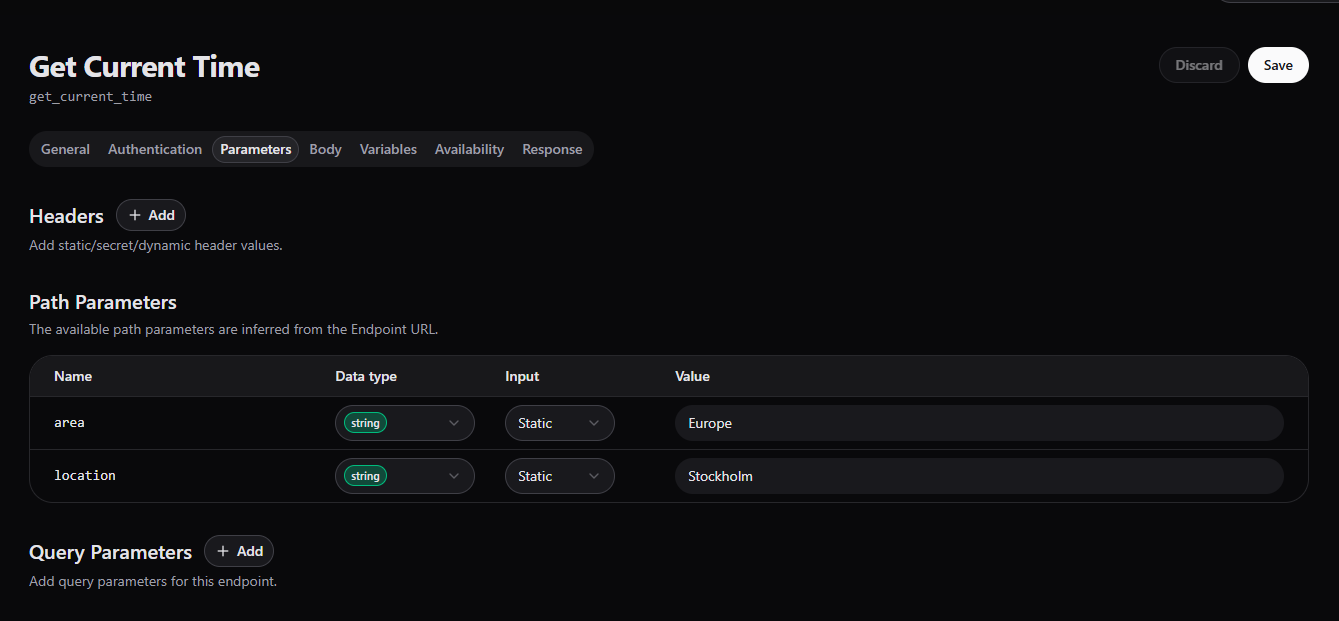
In this case we want to preset the location, that is why we are using Static pre-defined values in path parameters.
No need for Body as we are using GET method.
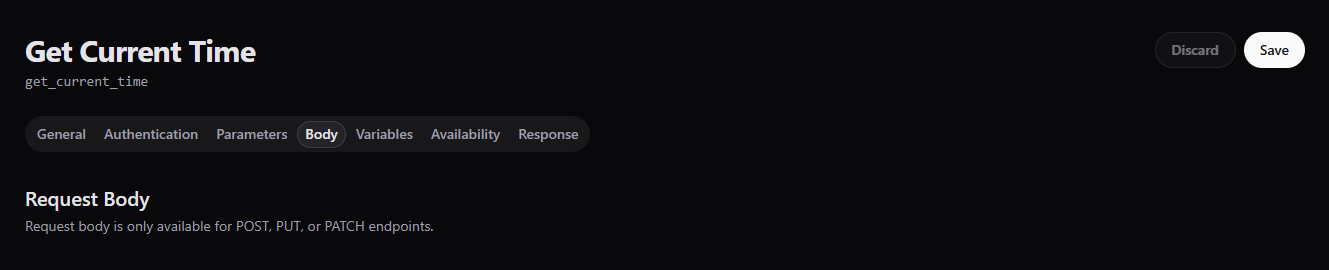
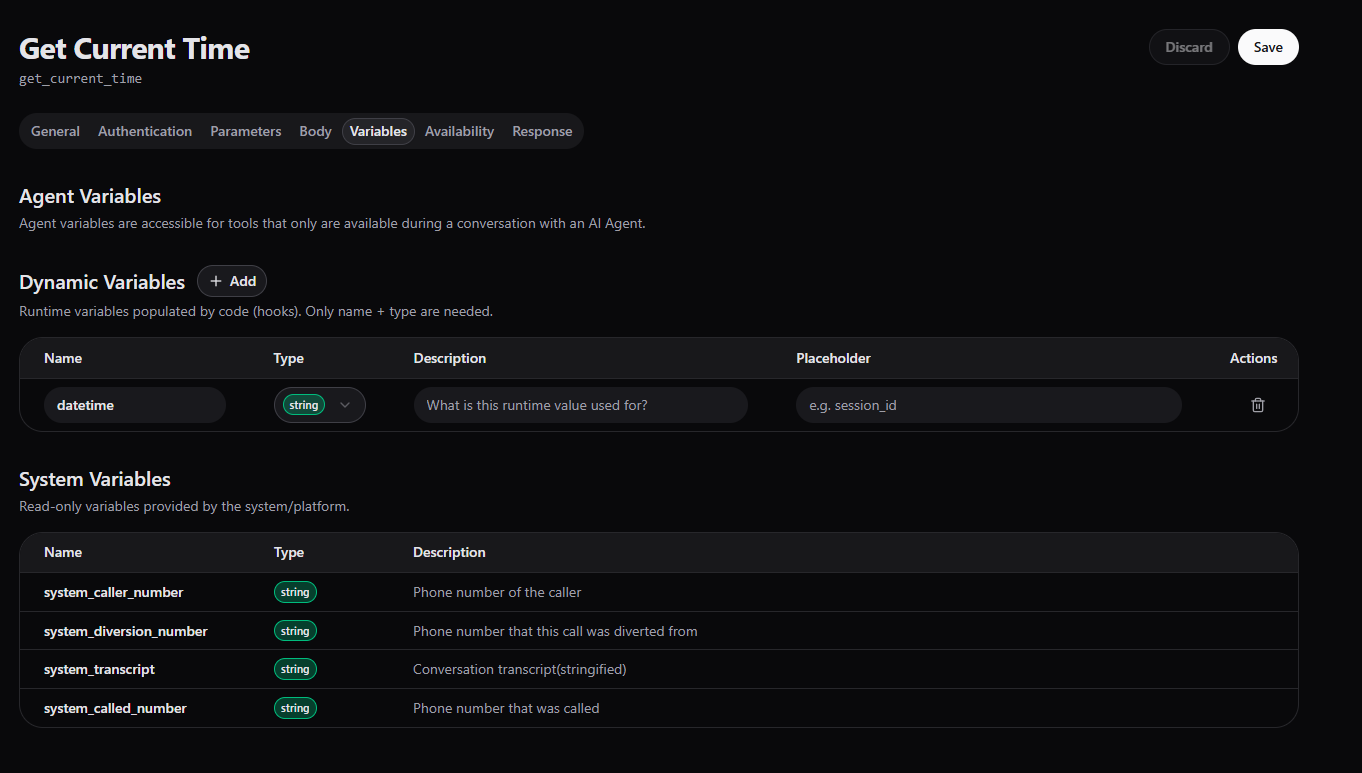
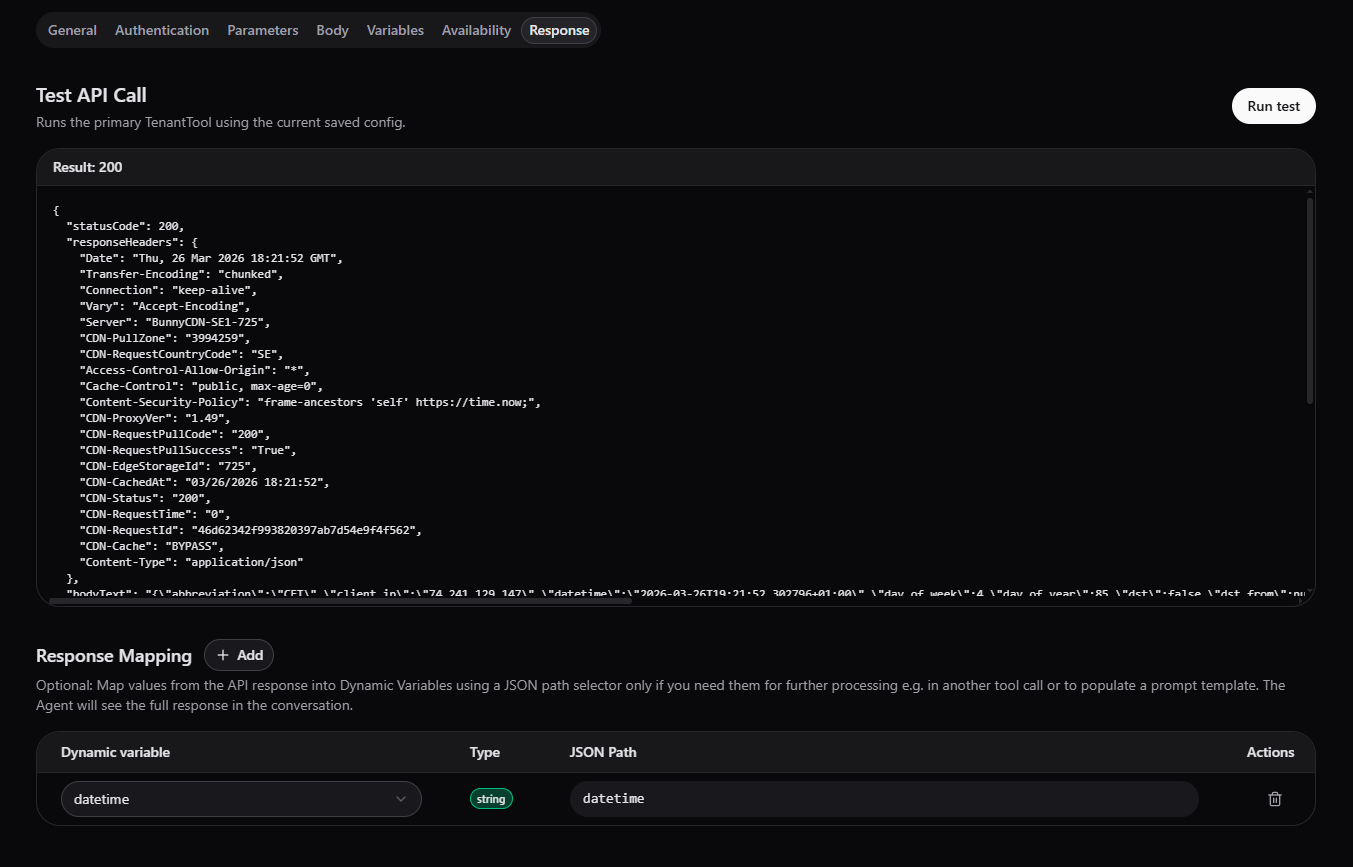
Note that Dynamic variable is used to safe the value.
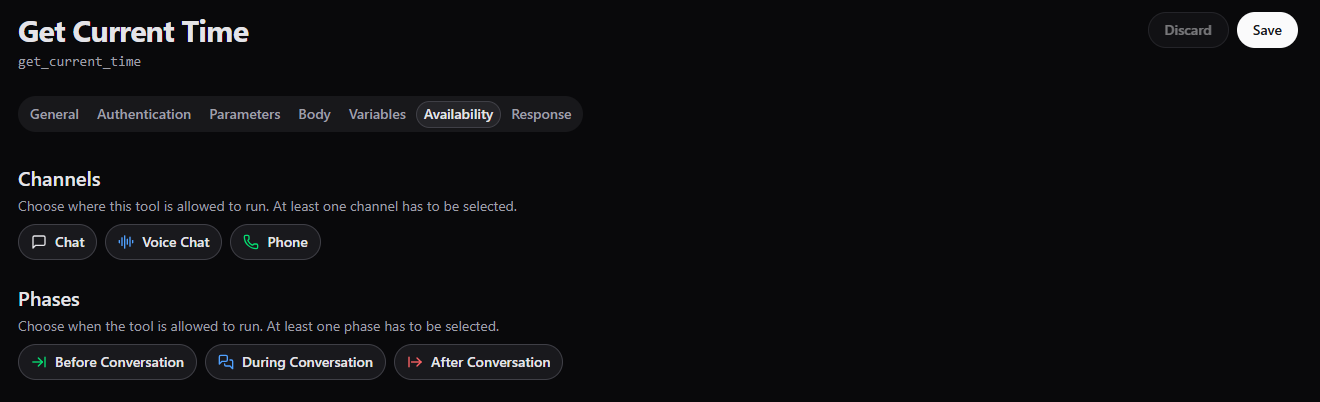
This tool is usefull at any phase, i.e. prior, during & post conversation.
As all needed values are static and preset, the API response can be tested without providing any values.
Get Calendar
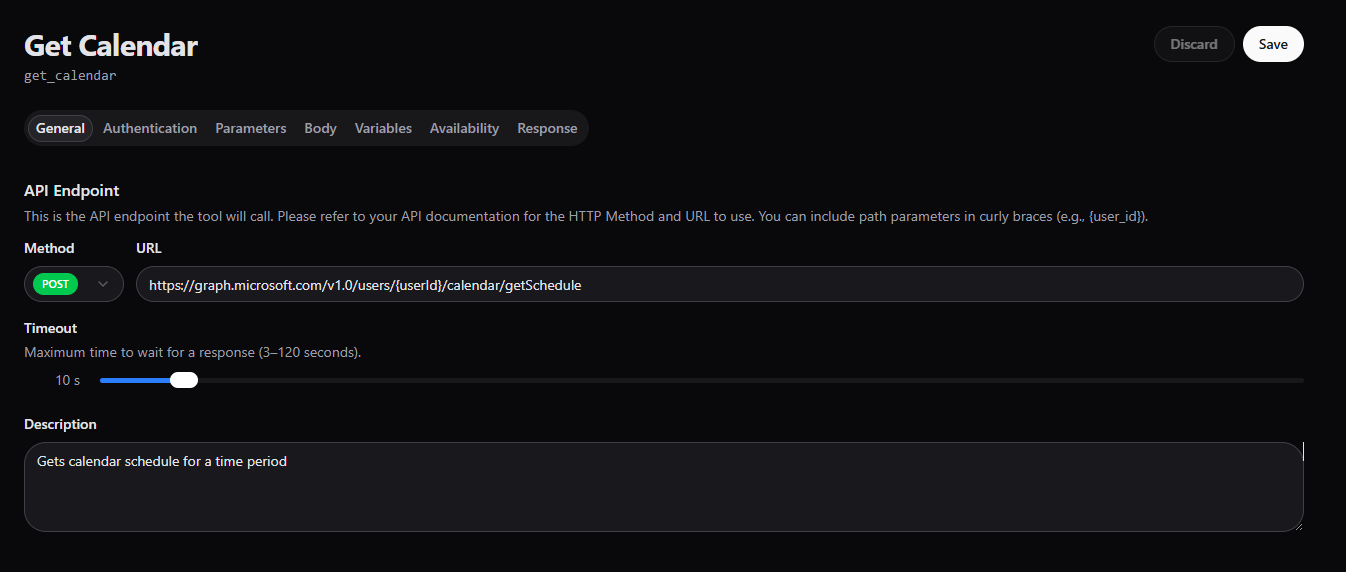
The tool allows the Agent to retrieve calendar events from Microsoft Outlook using the Microsoft Graph API.
This is useful when the Agent needs to access certain schedule before booking a meeting, for listing upcoming events and avoiding scheduling conflicts.
What to pay attention to?
- Authentication & permissions
- Time range
- Timezone handling
For more information about the API endpoint please refer to https://learn.microsoft.com/en-us/graph/api/calendar-getschedule?view=graph-rest-1.0&tabs=http
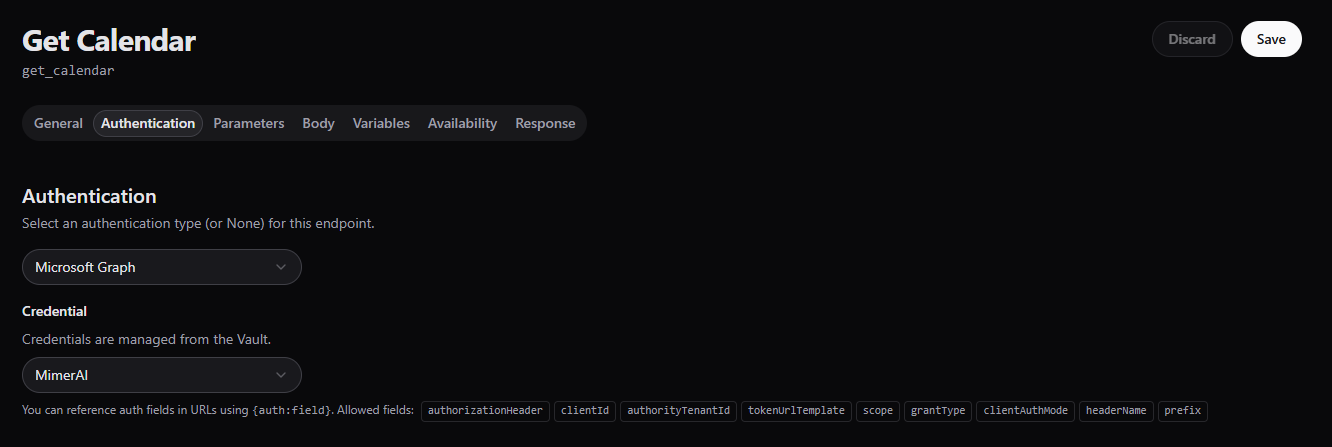
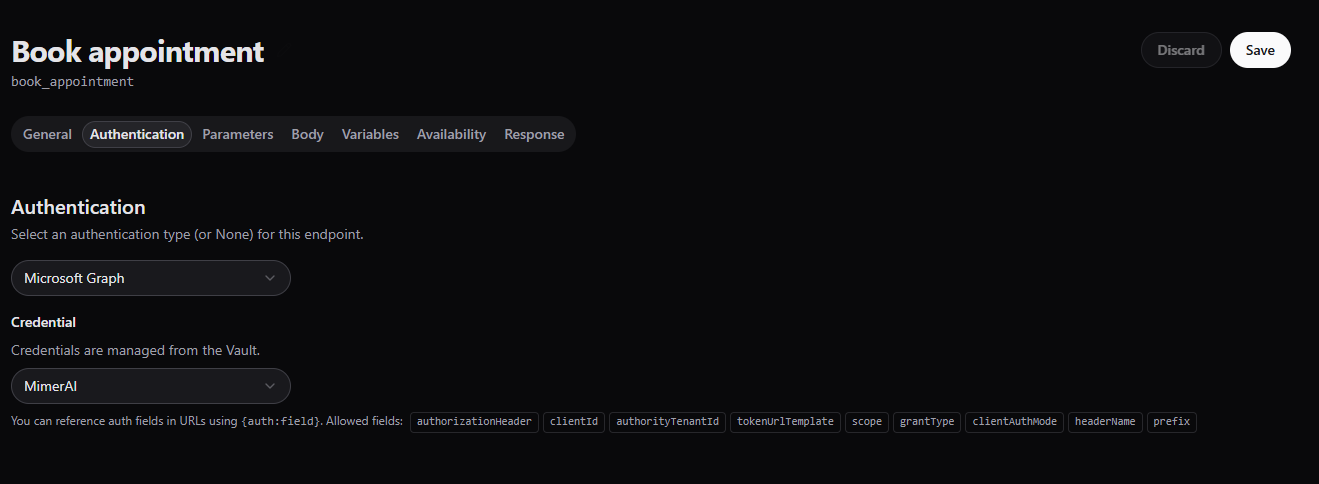
Access to calendar data requires proper Microsoft Graph authentication and user consent.
Authentication is setup amd managed within MimerAI Vault.
Make sure to configure it correctly.
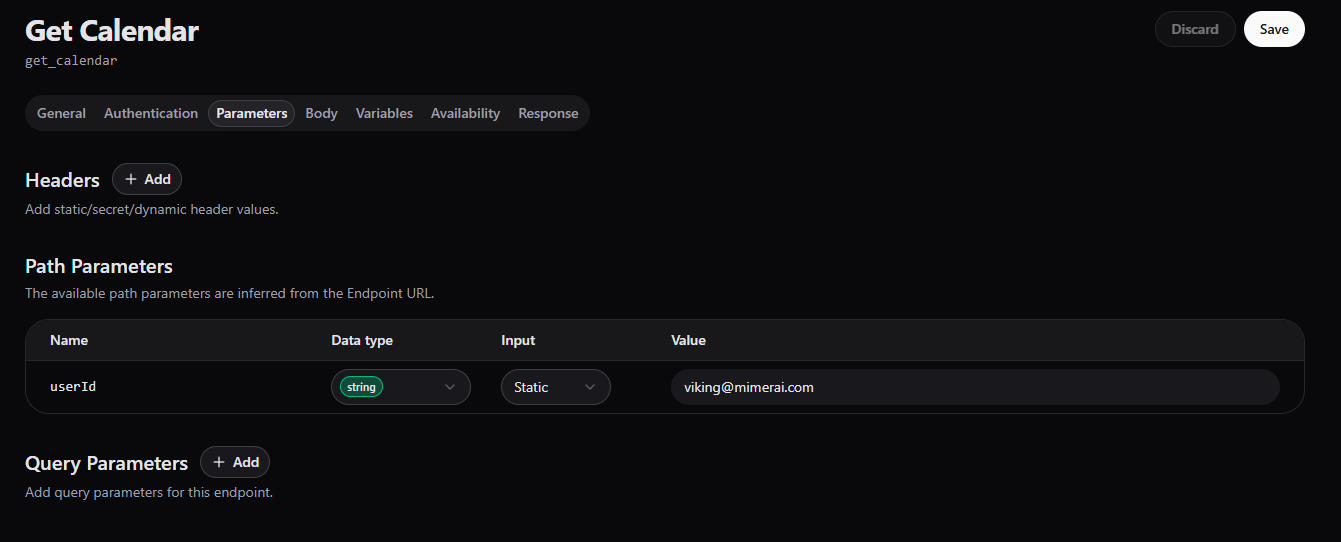
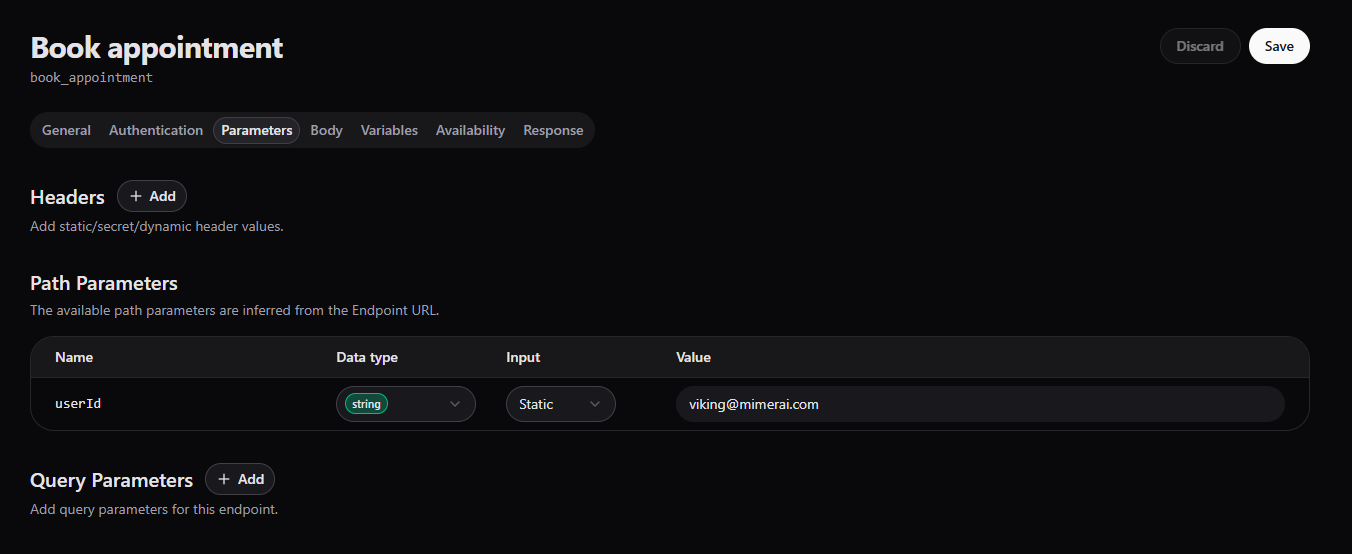
Note that Static pre-defined value is set making this a static tool that always checks calendar availability for Viking.
To enable more dynamic usage, Agent variable could be used, giving the Agent the task to set its value or
Dynamic variable if we are expecting the value to be set run-time, perhaps by another tool or system.
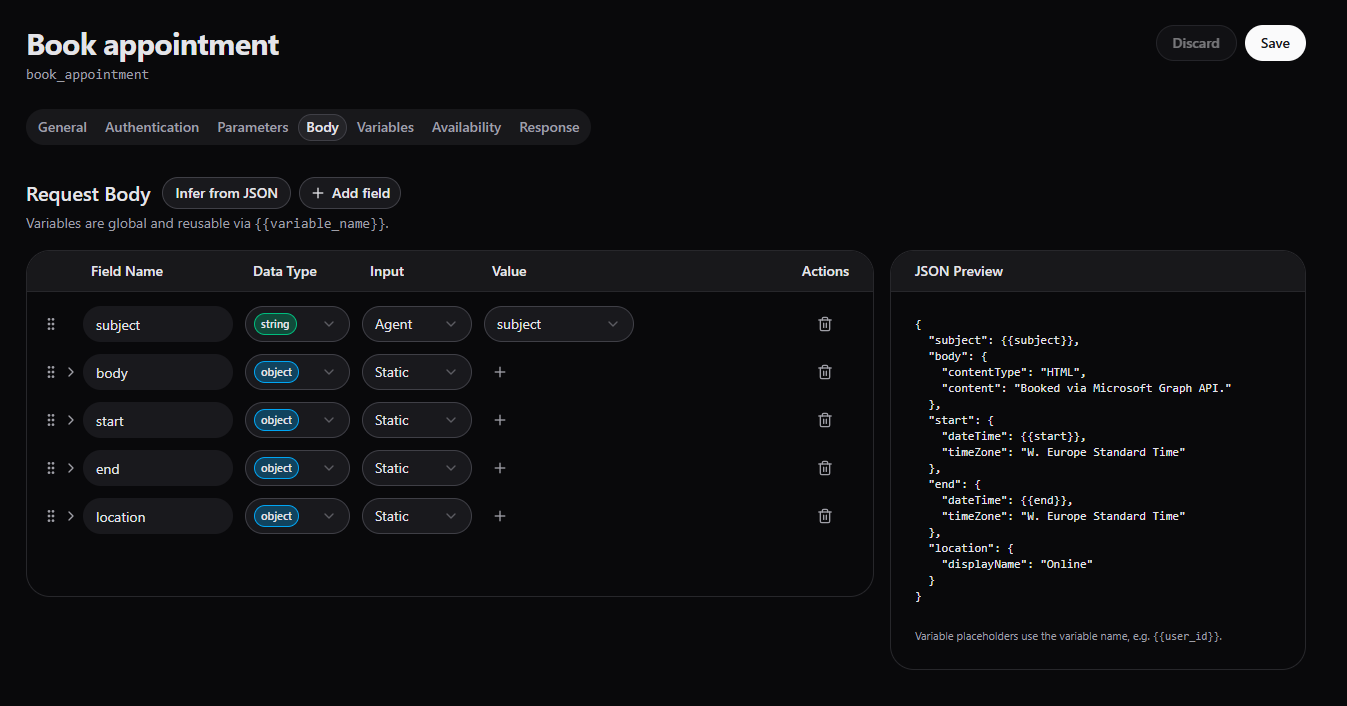
Based on the API documentation, request body is used to specify time zone, start / end times and time interals.
Using Infer from JSON enables quick & easy reuse of example code from the API documentation.
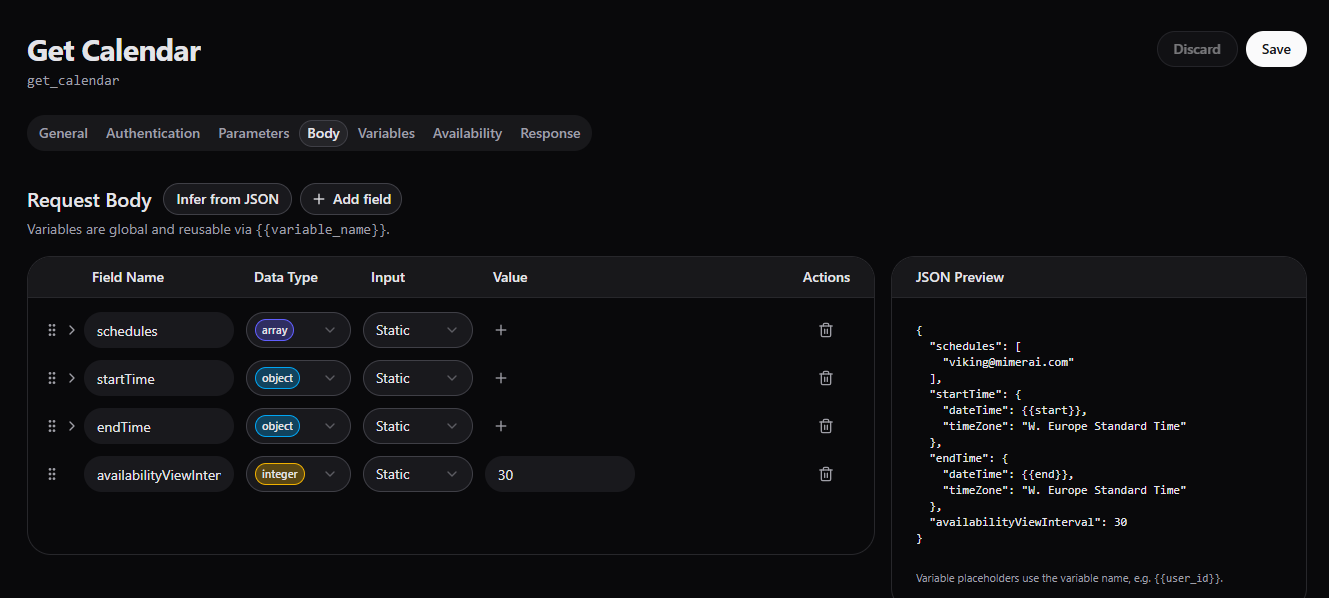
To make the toole more dynamic, start / end times are Agent variables - expected to be populated within the conversation by the Agent.
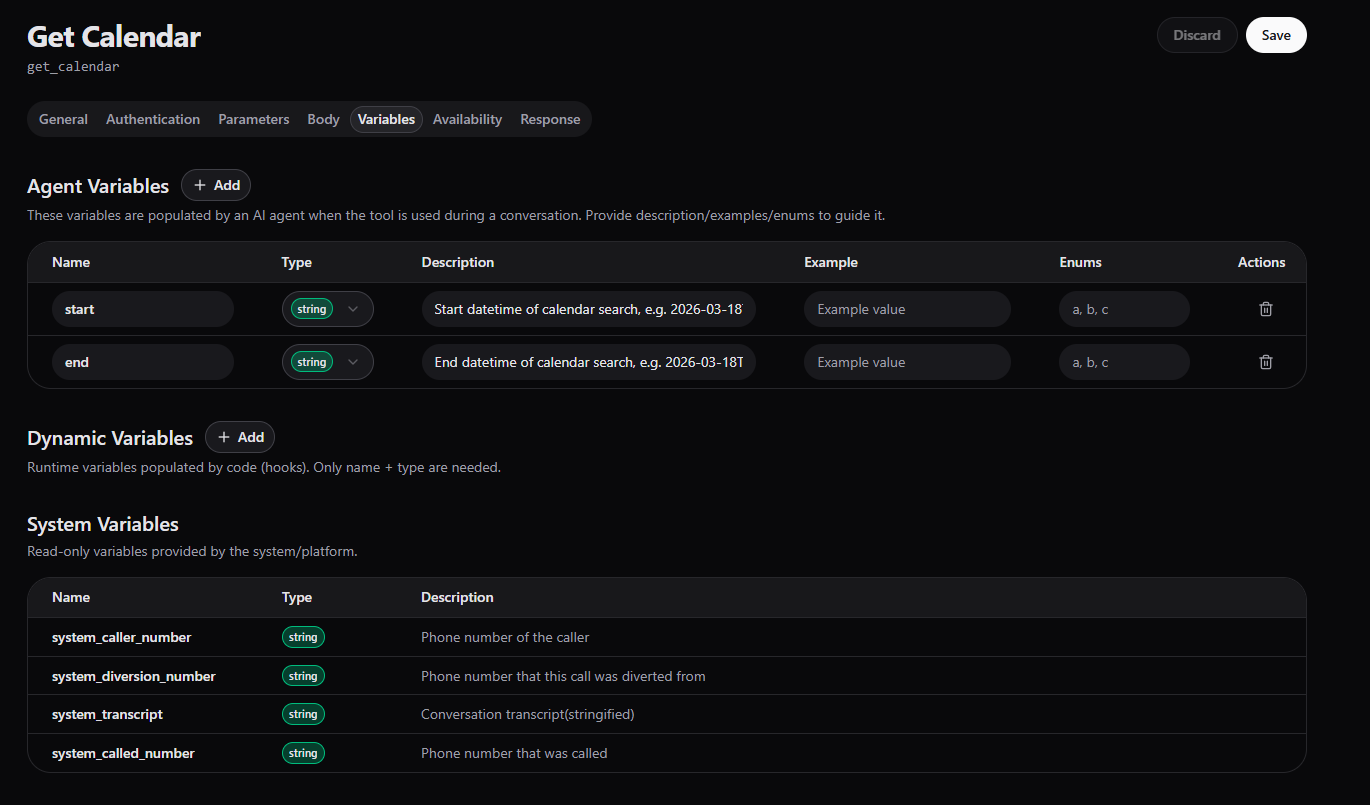
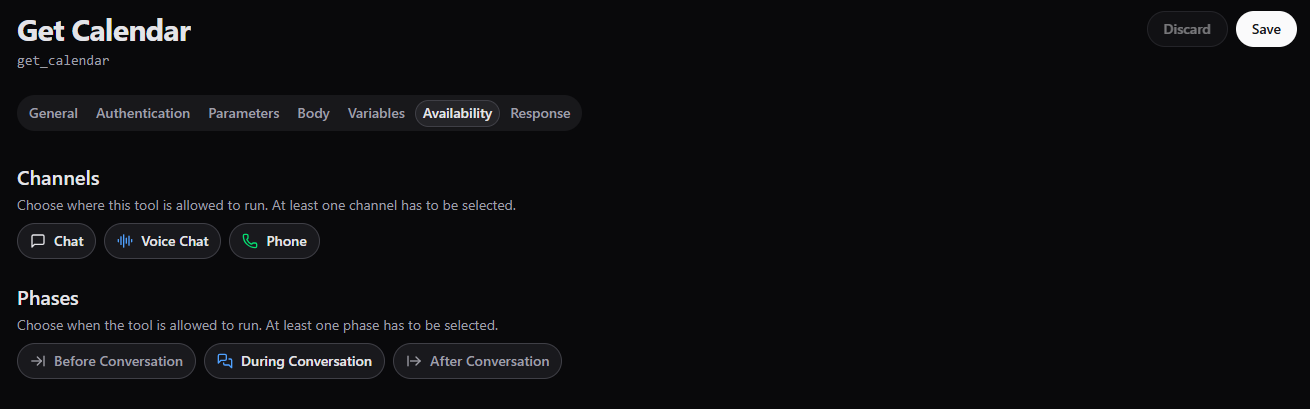
The tool can only be available during convresation as it uses Agent variables.
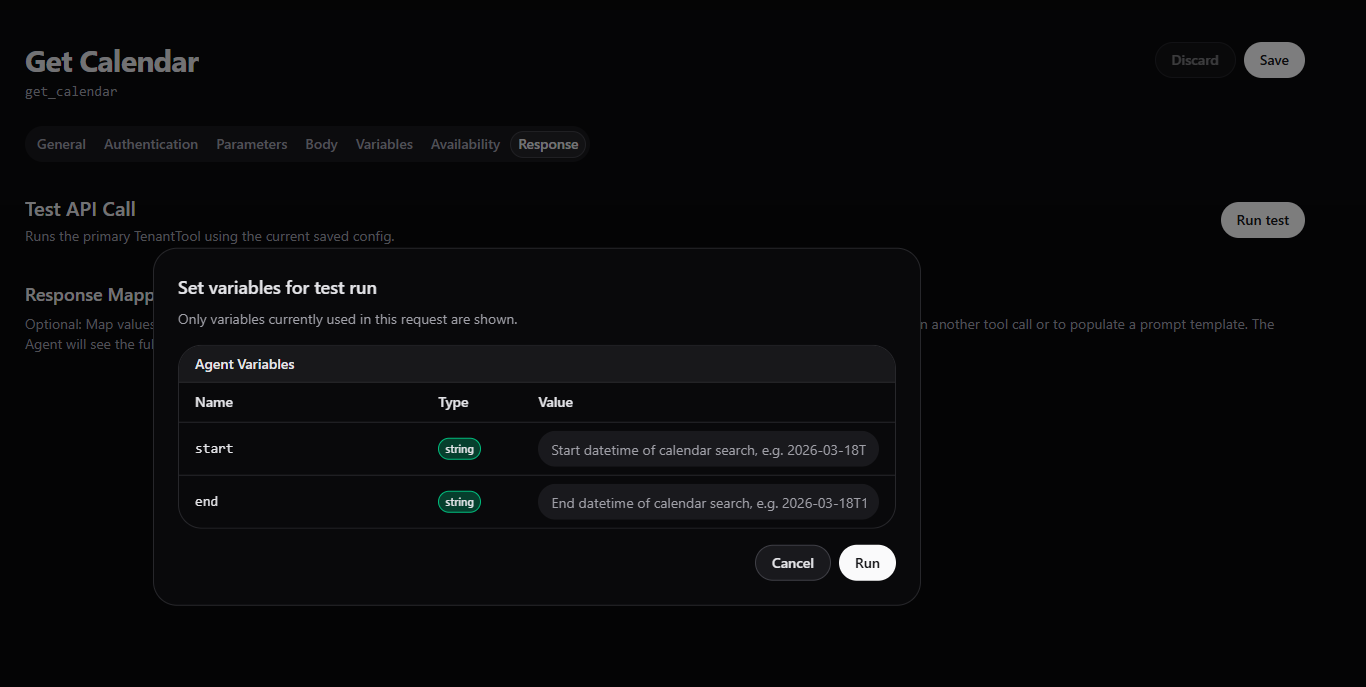
To test the API response, values for Agent variables are needed.
Book appointment
The tool allows the agent to create a new calendar event in a Microsoft Outlook calendar using Microsoft Graph.
What to pay attention to?
- Required details - Collect all necessary information before booking
- Availability - Check to avoid conflicts
- Timezone - Ensure the meeting is scheduled in the correct timezone
- Confirmation - Clearly confirm the details before creating the appointment
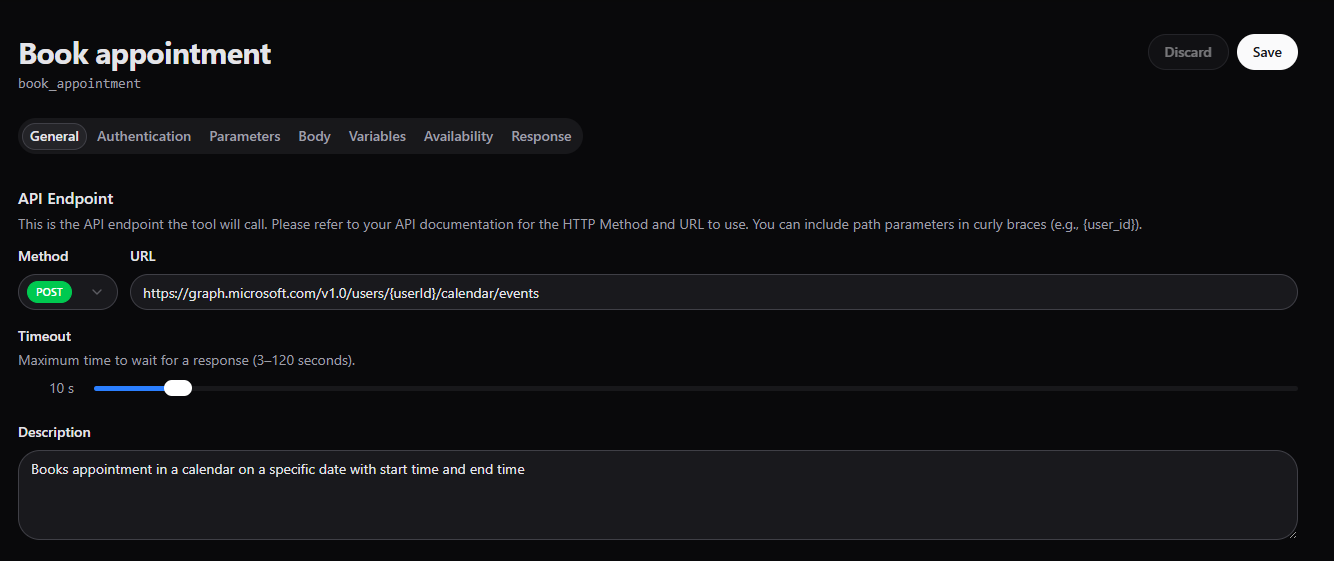
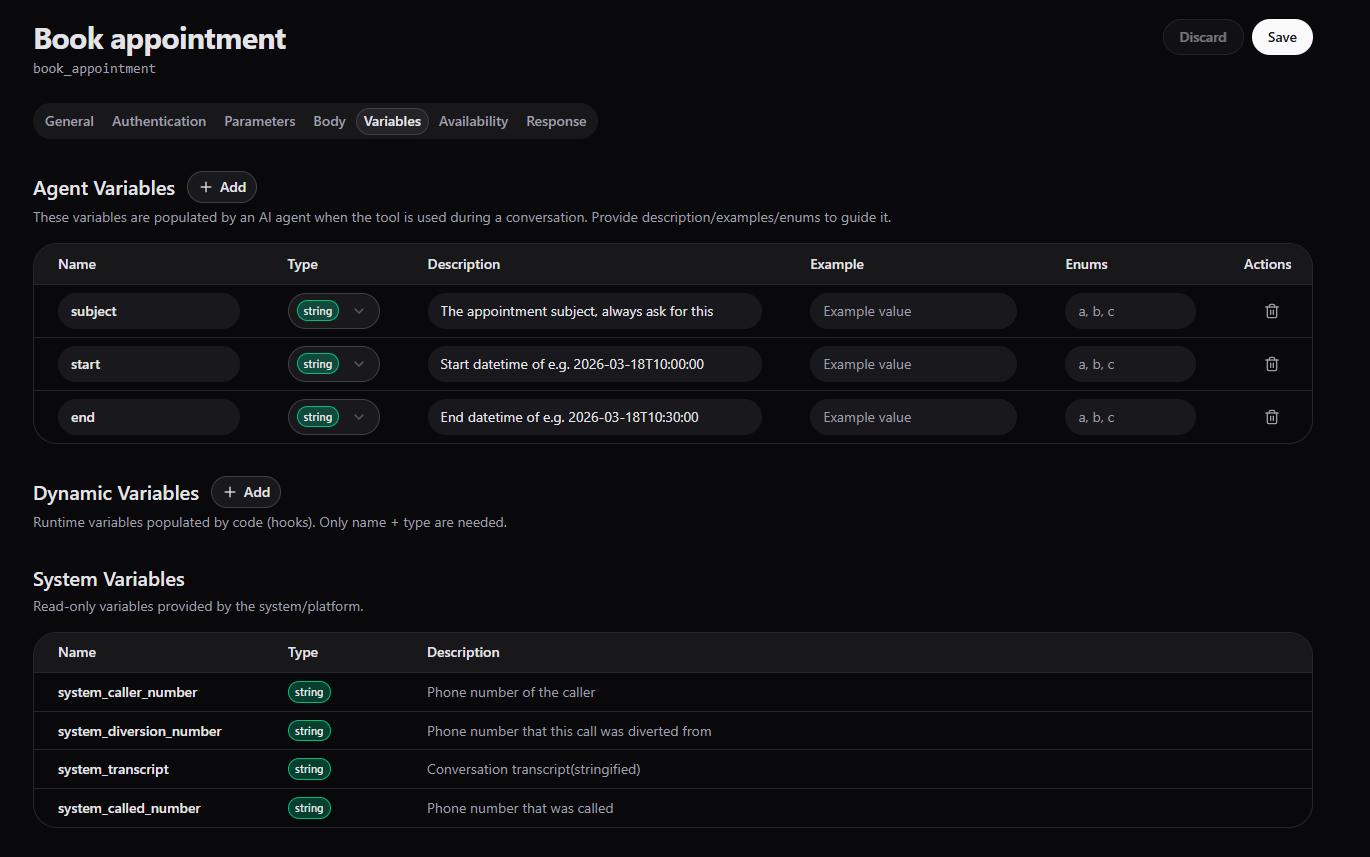
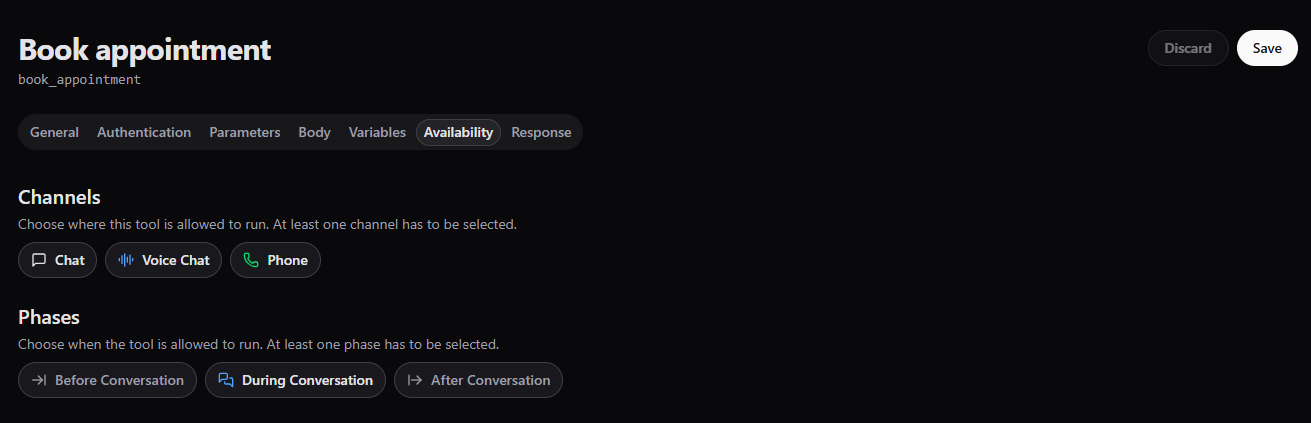
This tool needs to be available only during conversation as it expects from the Agent to set the value during the conversation.
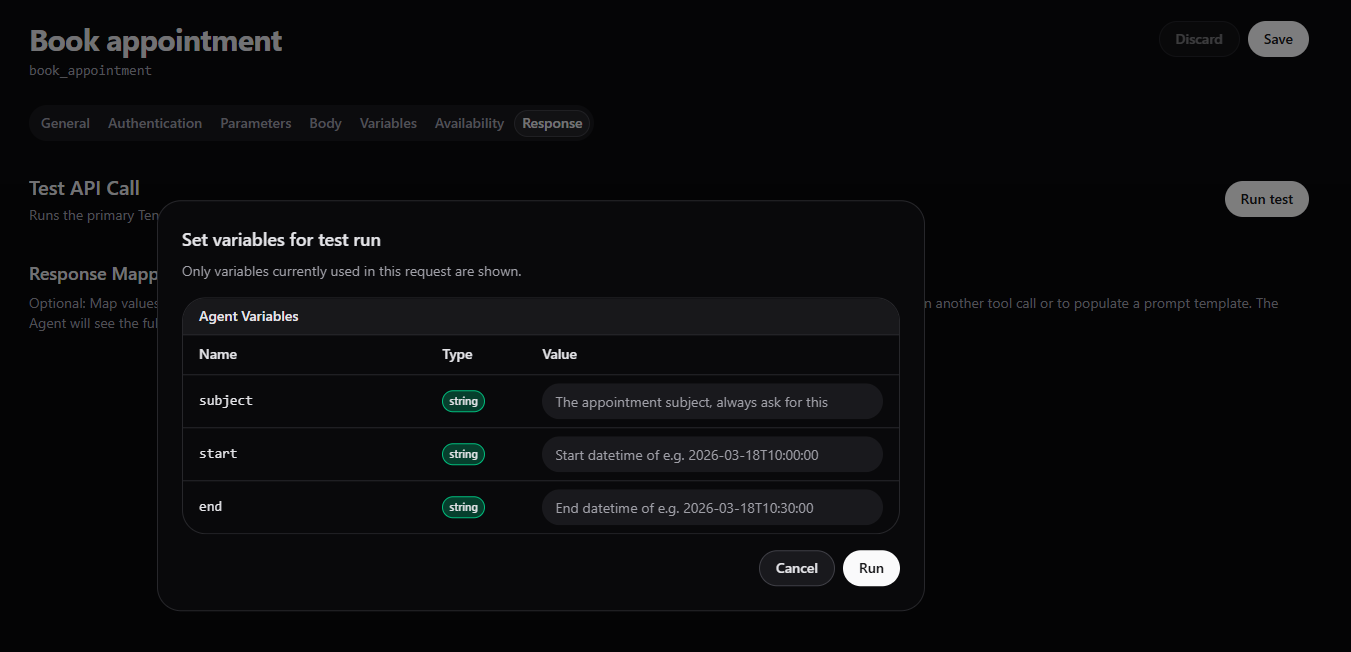
In this case, to complete the API response testing we need to provide values for the Agent variables which are set by the Agent during conversation.