Conversations
Within this section, you’ll find the conversation history from all channels where your Agents are deployed, providing a unique perspective, actionable insights, and valuable analytics.
These are available from the sidebar on your left-hand side, listing all interactions with every Agent across channels.
#
The topic is automatically identified, conversation is summarized, the duration is measured and additional key metrics are captured.
For easier tracking, there are multiple filtering options — by Agent, channel, date, or time range.
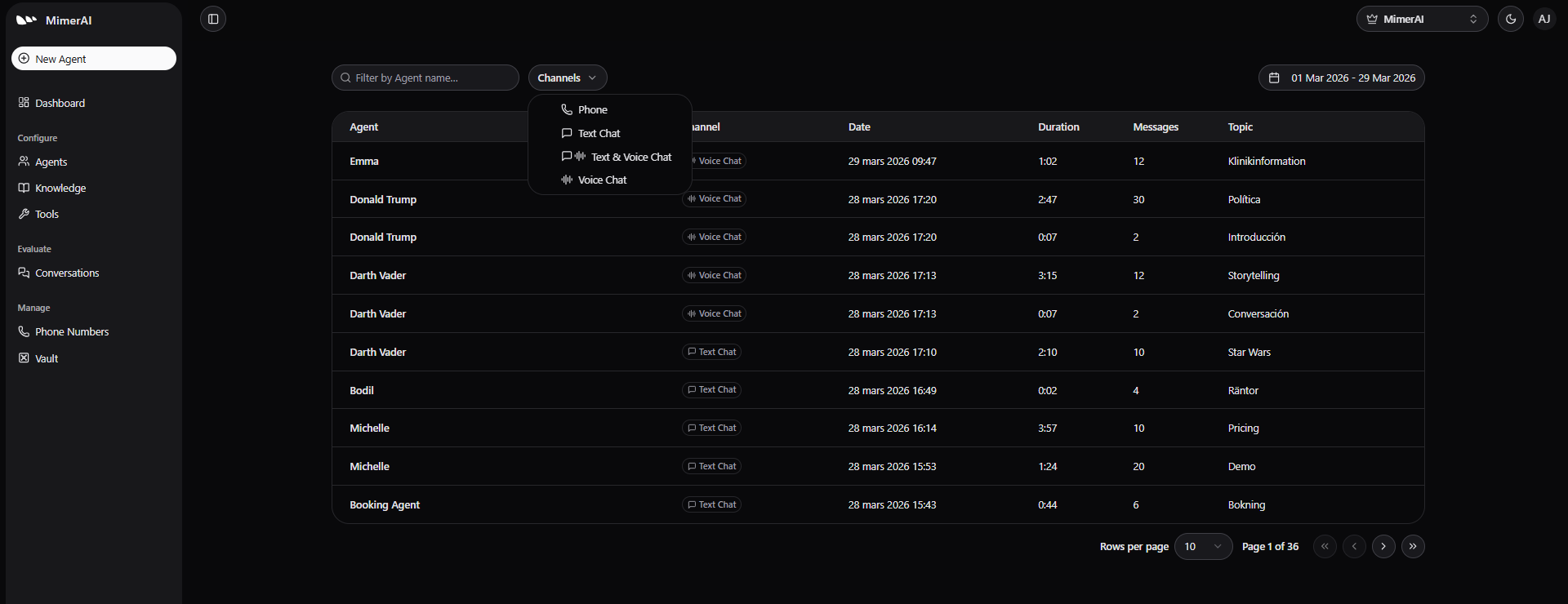
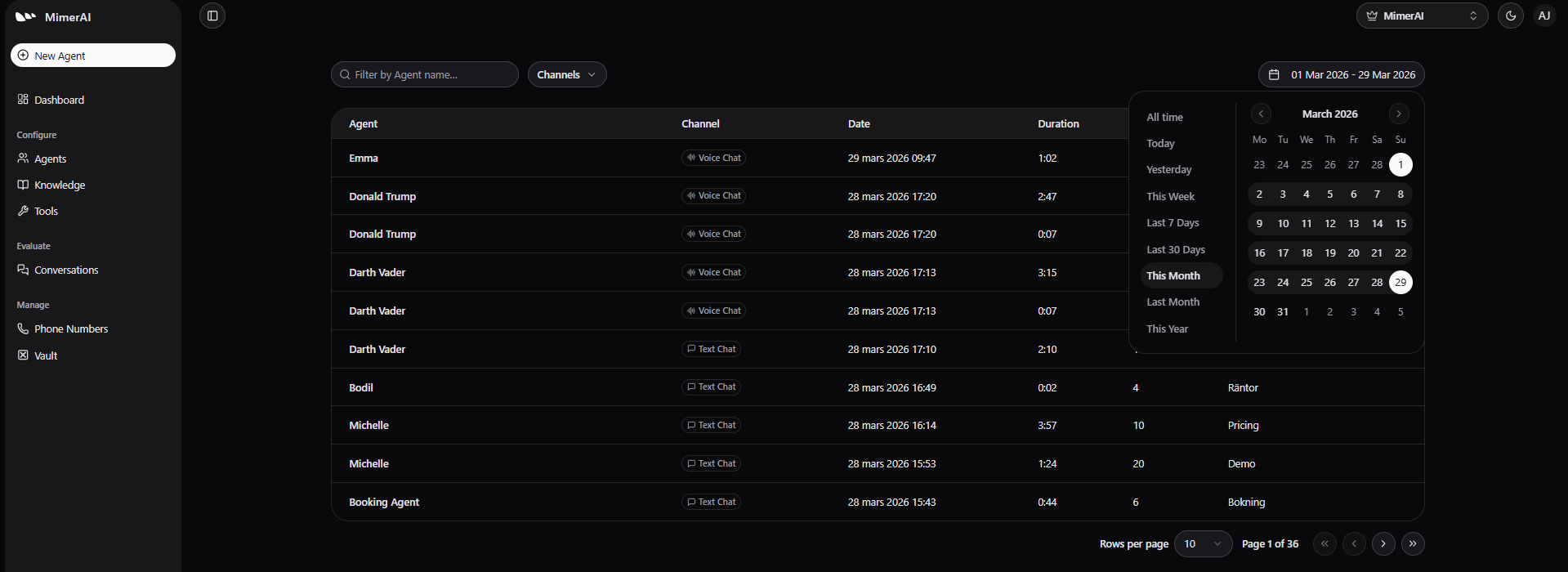
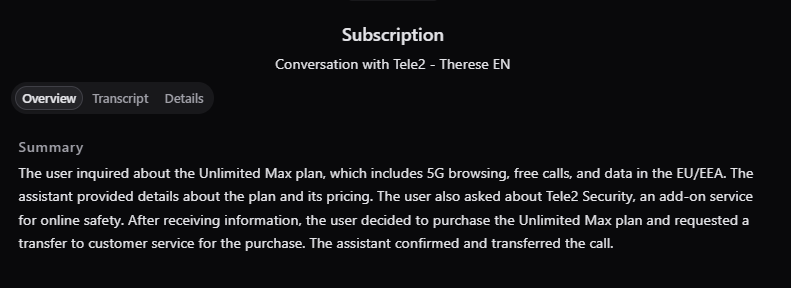
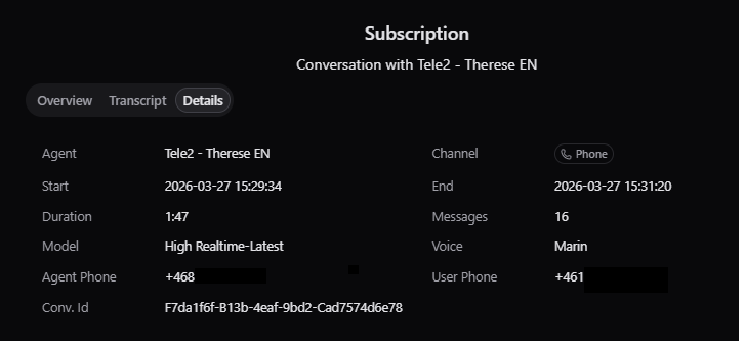
To review a specific conversation, click its row to open detailed view, where you can see the transcript, summary, and key details such as the conversation time, caller’s number (if contacted by phone), the AI model used, and more.
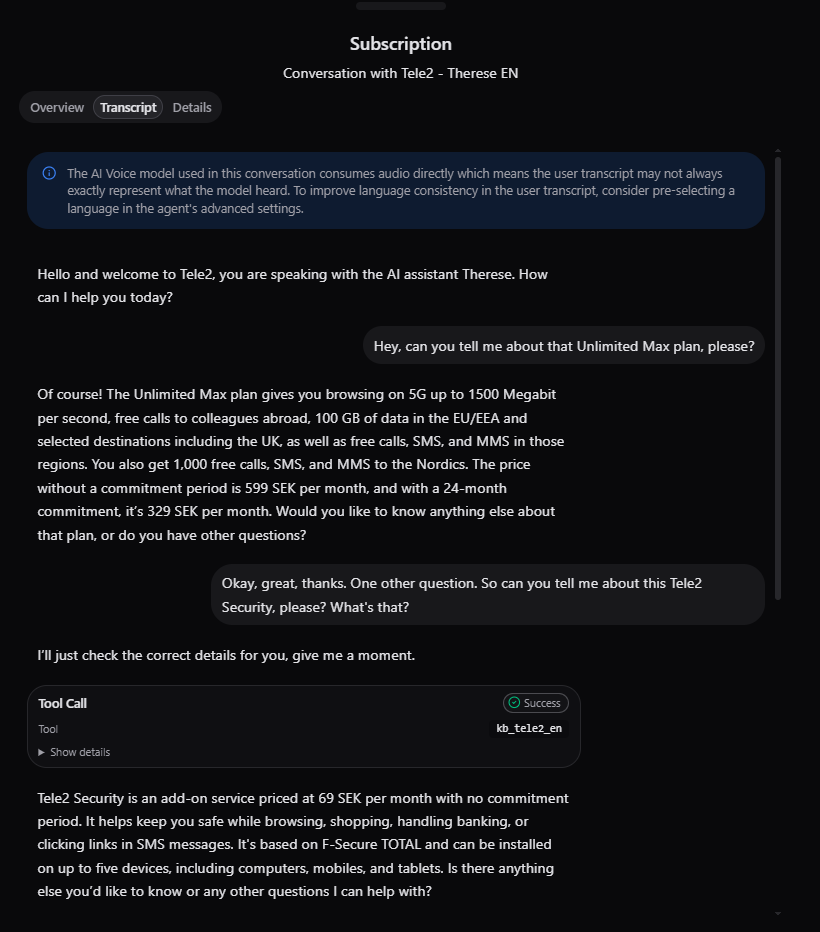
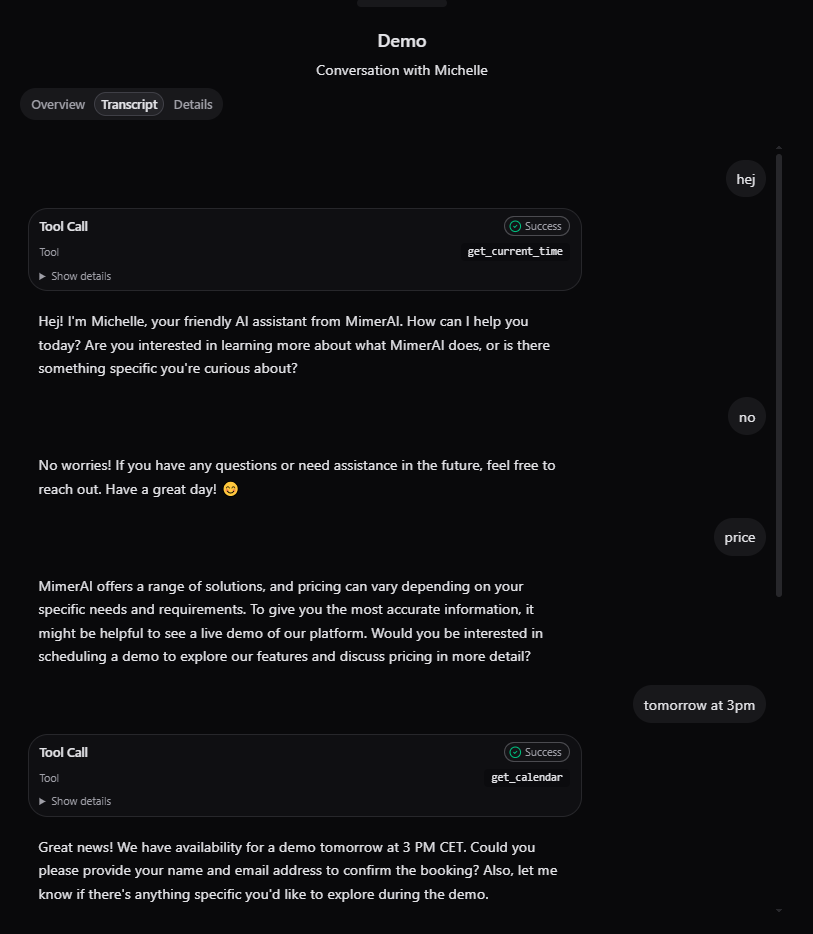
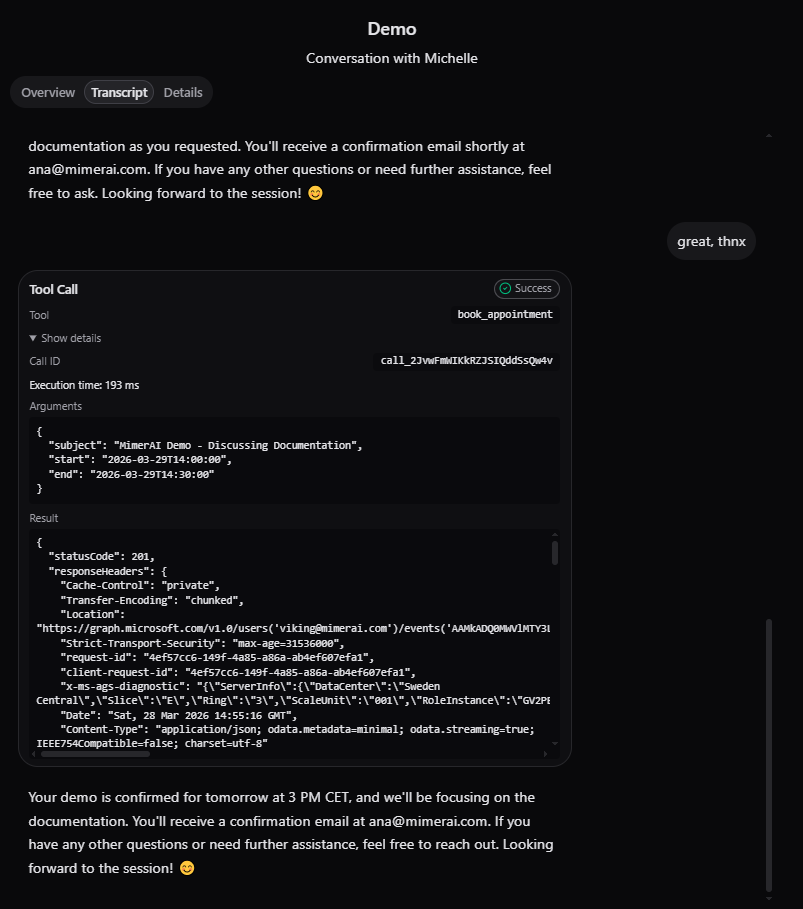
Transcripts also log every knowledge base and tools call. Even these are available for inspection.
Note