Knowledge
This is the place where Agent gets specific and necessary knowledge about your business, products, services, processes and more, depending on its roll and purpose. Everything a human Agent would know and beyond.
Before giving your Agent Additional Knowledge, make sure to update and upload all the information you consider valuable and necessary.
This will build a dedicated knowledge base that the Agents can access and use effectively.
After creating a knowledge base, you can connect it to multiple Agents.
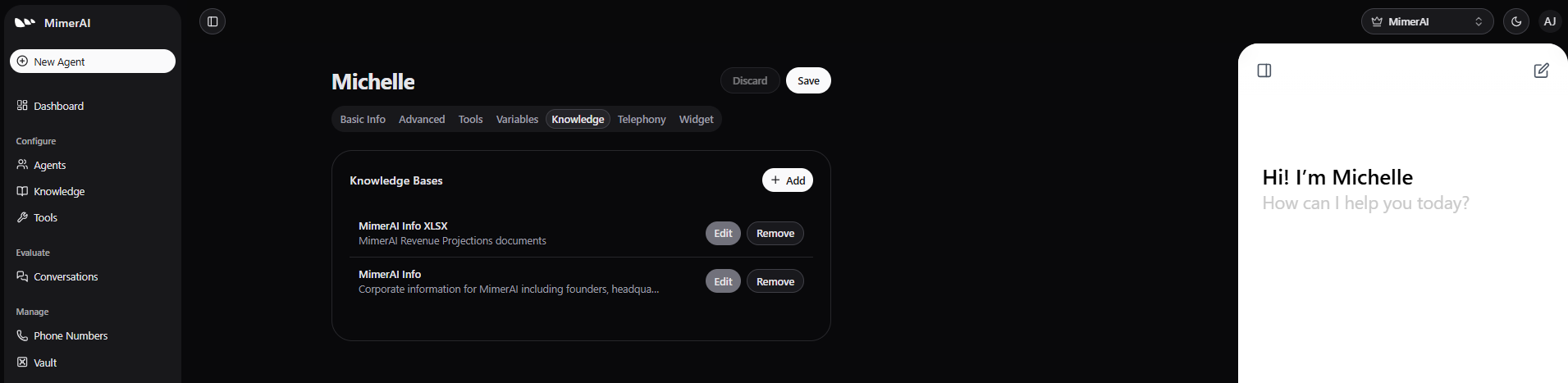
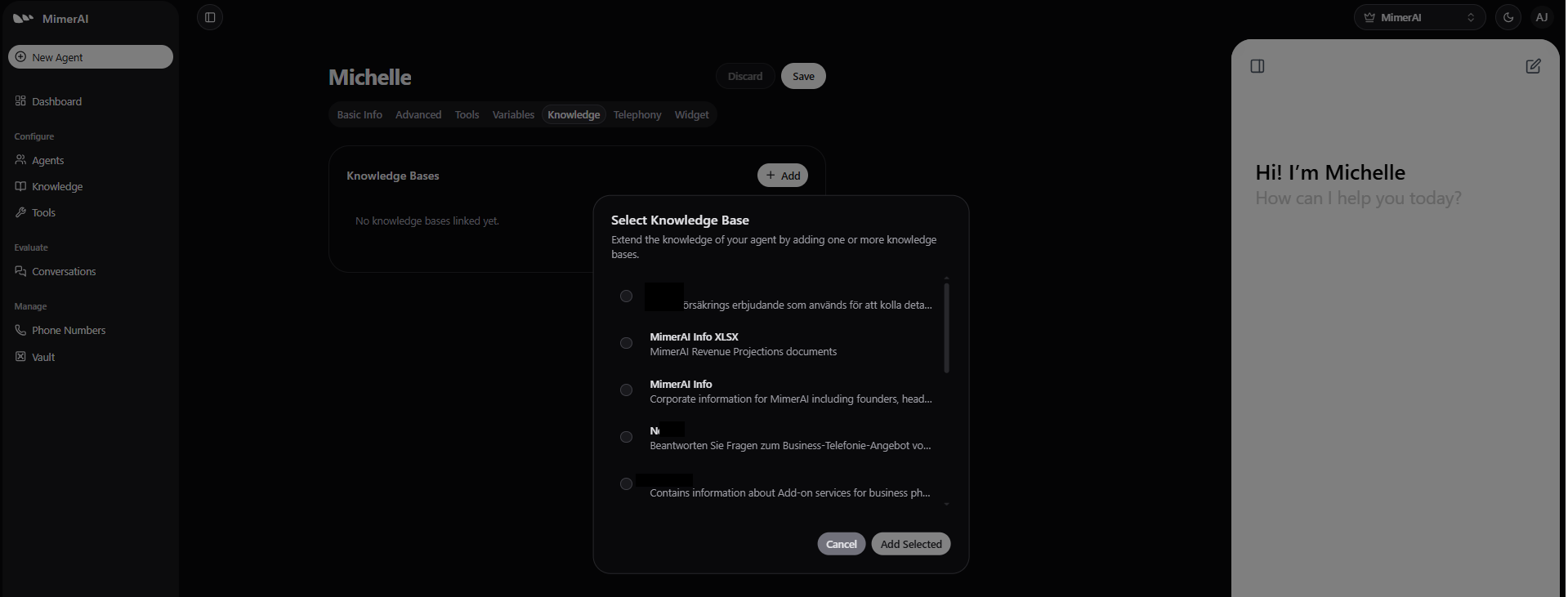
Just navigate to the Agent’s Additional Knowledge tab and click Add.
Next, choose the knowledge base you want to connect from the list of available options.
Remember
If needed, you can quickly revoke access by clicking Remove.
In the same way, you can update a knowledge base anytime by clicking Edit.